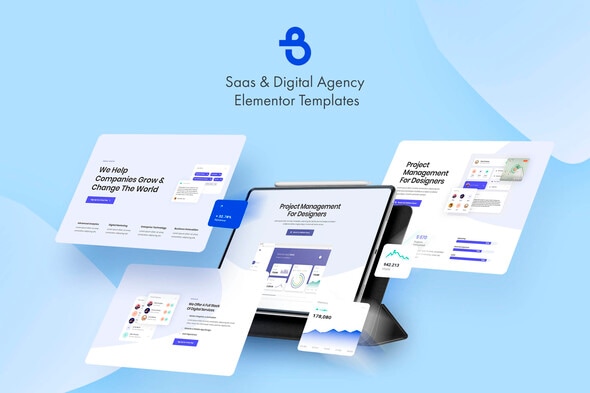
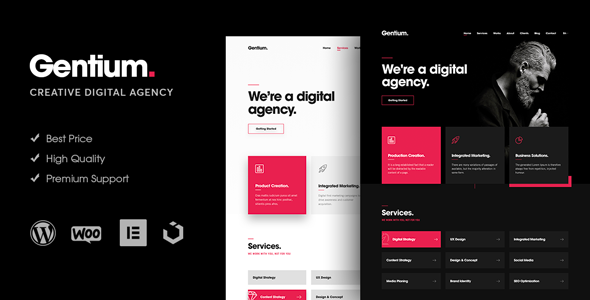
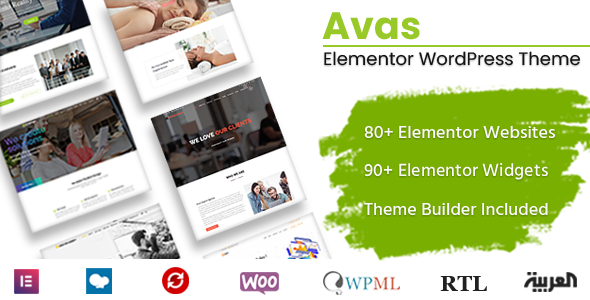
Burto - Saas & Digital Agency Elementor Template Kit
Burto is a completely modern, feature-rich, professionally designed, fully responsive and multi-purpose Elementor templates.
Main Features
10 Elementor Templates
1 Click Installation
24/7 Customer Support
Kit Includes
Home 1 Template
Home 2 Template
Home 3 Template
About
Contacts
Services
Process
Reviews
Team
404 Error
Fonts
Poppins
Open Sans
How to Use Template Kits
Install and Activate the “Envato Elements” plugin from Plugins > Add New in WordPress
Download your kit file and Do not unzip
Go to Elements > Installed Kits and click the Upload Template Kit button. You may also import automatically by clicking Connect Account to link your Elements subscription, then import under Elements > Template Kits.
Check for the orange banner at the top and click Install Requirements to load any plugins the kit uses
Click import on the Global Kit Styles first
Click Import on one template at a time. These are stored in Elementor under Templates > Saved Templates.
Go to Pages and create a new page and click Edit with Elementor
Click the gear icon at lower-left of the builder to view page settings and choose Elementor Full Width and hide page title
Click the gray folder icon to access My Templates tab and then Import the page you’d like to customize.
If you have Elementor Pro, headers and footers may be customized under Theme Builder.
See the Detailed Guide
For further support, go to Elementor > Get Help in WordPress menu.
Envato Elements assets
The following images shown in the kit are available for license from Envato Elements: