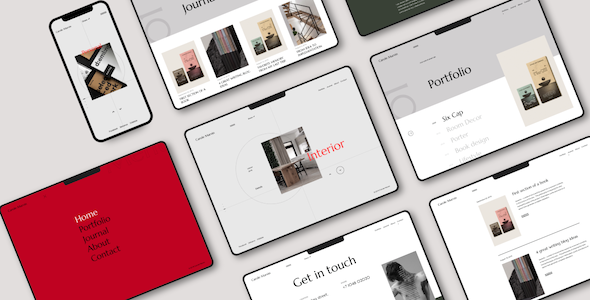
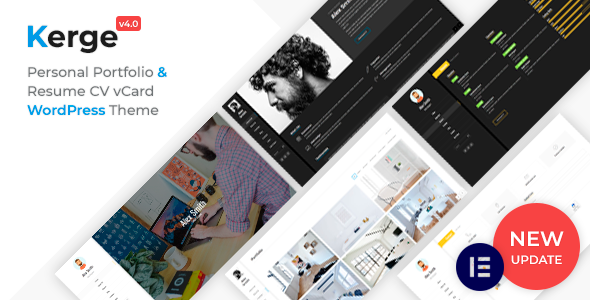
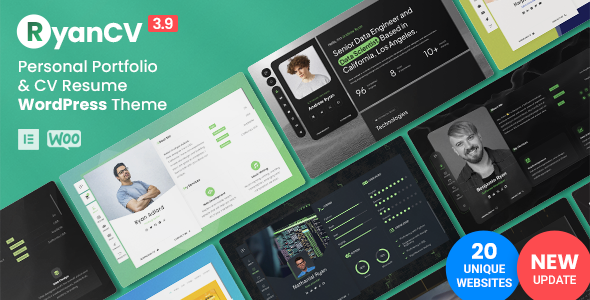
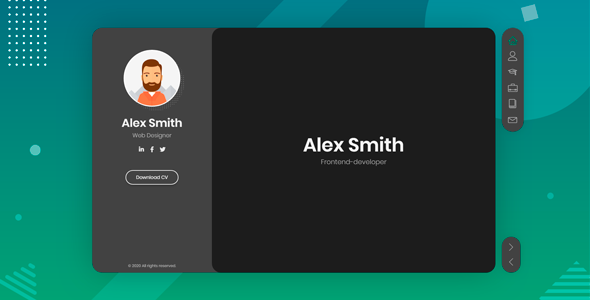
Liga - Personal Portfolio WordPress Theme
Liga is a modern, flexible WordPress theme designed to power your website with fast performance, easy customization, and dedicated support. It offers unlimited layouts, rich typography, and per-category styling to help you grow and engage readers.
Key Features
- Speed: No unnecessary plugins and scripts for better page speed.
- Ajax: With a foundation on barba.js and ajax page transitions, navigation through the site is super-smooth and clean.
- Unlimited layouts with WordPress 5: Use the WordPress block editor to create a better content faster and easier than ever before.
- Unlimited custom color variations: Customize totally your site’s look just by simply changing colors. All customizations can be done using admin panel options without even touching any CSS
- Different layouts per category: The Liga theme comes with advanced options to make adjustments to individual standard post categories via the admin so you can easily change the layout, colors…etc on a per-category basis.
- Responsive: It is fully responsive, it looks stunning on all types of screens and devices.
- Google Fonts: 500+ Google Fonts with Preview Capability
- Demo installer: Import the demo content with one simple click and edit the content directly or start from scratch to create your own concept.
- Child theme included: Starter child theme is included for your customizations. Simply install it and start customizing.
Documentation, Demos and Credits
- DOCUMENTATION
- User Guide
- Images Credits
- FORM bureau
- Lukas Diemling
- VVORKROOM
- Matthieu Belin
- * some of the Images are not included in the download (demo import)
Change logs
- 29/05/2022 – Version 1.1.4: WordPress 6.0 compatibility.
- 25/04/2022 – Version 1.1.2: Fixed page slider issue for iOS 15.4.1
- 23/12/2021 – Version 1.1.0: WordPress 5.9 compatibility.
- 31/07/2021 – Version 1.0.6: WordPress 5.8 compatibility.
- 12/08/2020 – Version 1.0.4: WordPress 5.5 compatibility.
- 07/02/2020 – Version 1.0.3: Added: Lightbox to WordPress image galleries. Go to Appearance->Customize->Theme Settings->Base to disable this feature.
The information on this website is sourced from the
ThemeForest product page
.