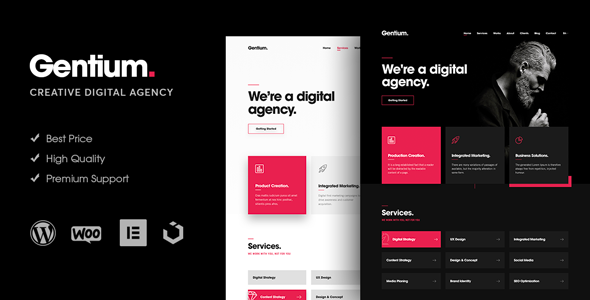
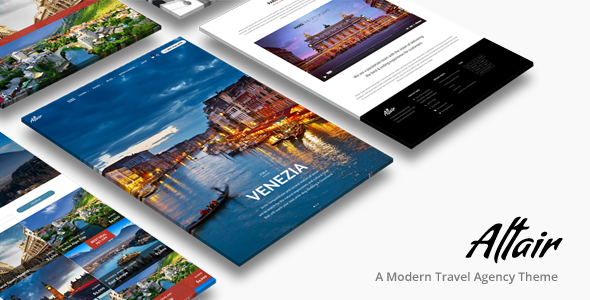
Markeetar - Digital Marketing Agency Elementor Pro Template Kit
Markeetar is an Elementor Pro Template Kit designed to quickly create a full Elementor Pro website for a business, offering a modern, professional design with a cohesive design system and premium imagery. Optimized for the free Hello Elementor theme, it is fast-loading, fully responsive, and ready to customize.
Layout features
- Modern and Professional design
- Built with Elementor Pro
- Flexbox Container
- 100% Responsive & mobile-friendly
- 12+ pre-built templates
- Easy to customize
- Template kit built with Elementor Hello Theme
What’s Included in the Zip
- Homepage
- About Us
- Contact Us
- FAQ
- Archive Blog
- Error 404
- Single Post
- Portfolio
- Pricing Plan
- Services
- Single Service
- Team
- Global Style
- Header
- Footer
Plugins installed with kit
- Skyboot Custom Icons
- Elementskit Lite
Elementor Pro upgrade is required for some templates and features (not included).
How to Use Template Kits
- If you don’t have a theme installed you can install the free “Hello Elementor” theme in WordPress:
https://elementor.com/hello-theme/
- Install the free “Elementor” plugin in WordPress:
https://wordpress.org/plugins/elementor/
- Install the free “Template Kit Import” plugin in WordPress:
https://wordpress.org/plugins/template-kit-import/
- Install “Elementor Pro” plugin
- Go to Tools > Template Kit, then upload Template Kit Zip File.
- Before importing a template, ensure the Install Requirements button is clicked to activate required plugins.
- Click import on the Global Kit Styles first.
- Click Import on one template at a time. These are stored in Elementor under Templates > Saved Templates.
Creating pages
- Go to Pages and create a new page and click Edit with Elementor
- Click the gear icon at lower-left of the builder to view page settings and choose Elementor Full Width and hide page title
- Click the gray folder icon to access My Templates tab and then Import the page you’d like to customize.
- The home page is set under Settings > Reading by selecting Static Front Page.
- If you have Elementor Pro, headers and footers are customized under Templates > Theme Builder.
Demo images and licensing
This Template Kit uses demo images from Envato Elements. You will need to license these images from Envato Elements to use them on your website, or you can substitute them with your own.
Envato Elements collection:
https://elements.envato.com/collections/BWRCESFYLD
The information on this website is sourced from the
ThemeForest product page
.