Networker - Tech News WordPress Theme with Dark Mode
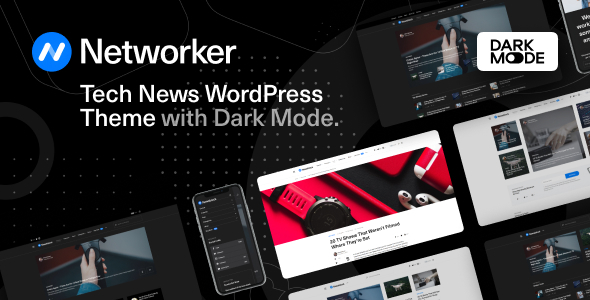
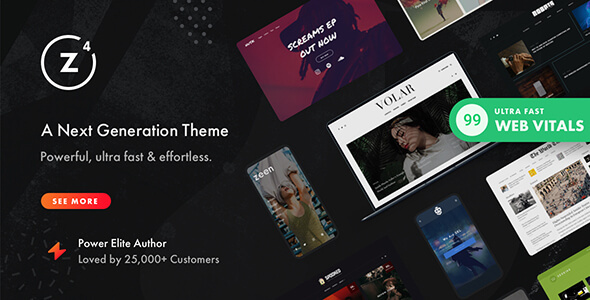
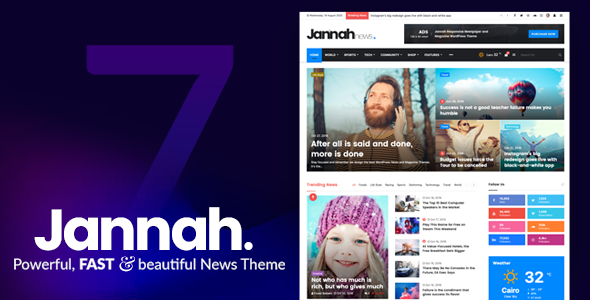
Networker is a modern and clean WordPress theme for modern content-based blogs and magazines. It ships with six demos, dark mode, and flexible layouts designed to adapt to your content.
Six Beautifully Designed Demos in One Theme
Thanks to our signature feature, the Demo Switcher, you may apply a new demo any time without affecting your content. If you feel bored with one of the demos, simply apply a new one and get a completely different appearance of your blog or magazine.
Dark Mode
Turn on Dark Mode for a great viewing experience especially in low-light environments. Dark Mode uses a dark color scheme and is activated automatically based on the browser’s preferred settings or manually with a toggle. Turn on Dark Mode to give your eyes a break.
- Automatic or manual activation
- Enhanced readability in low-light environments
Multiple Page Header Types
There are three different page header types for your posts and pages. Display your featured posts’ header with an image overlay or a smaller page header.
- Three header types for posts and pages
- Header options with image overlay or a compact header
Smart Colors
When you select a dark background color for your header or footer, the text and links color will automatically change to white. You don’t need to set up a lot of color options, as most of them will work automatically based on your selection.
- Automatic text color adjustments for dark backgrounds
- Minimal manual color configuration required
Customize with Instant Live Preview
All theme options can be configured with the native WordPress customize feature. Forget the outdated settings pages and manually refreshing your page to see the changes. Preview all the changes live while configuring your perfect blog or media.
Multiple Archive Layouts for Homepage and Archive Pages
Choose from different post archive layouts for your homepage and archive pages. Display your posts in grid, list, or full layouts.
- Grid layouts
- List layouts
- Full-width layouts
Multiple Page Layouts
Select the matching page layout for your homepage, archives, posts, and pages. Display a sidebar on either the left or right side or use the full-width page layout for your content.
- Sidebar left or right
- Full-width page layouts
- Consistent across homepage, archives, posts, and pages
Super-Fast Mega-Menu
Showcase your recent posts with a thumbnail right in the menu dropdown. Don’t worry, the menu will not slow down your website, as the content is requested dynamically, only when a user hovers over the parent menu item.
- Thumbnail previews in the menu dropdown
- Content loaded dynamically on hover for performance
The information on this website is sourced from the
ThemeForest product page
.