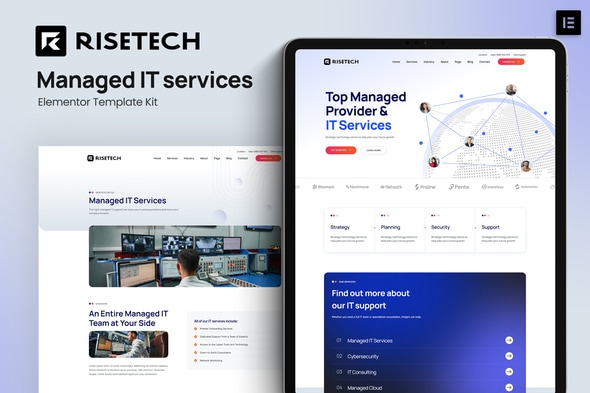
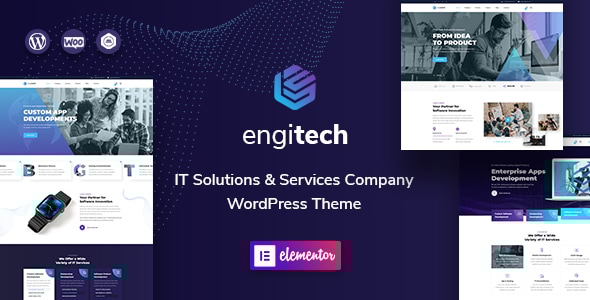
Risetech - Managed IT Services Elementor Template Kit
Risetech is a modern, clean Managed IT services Template Kit for creating professional WordPress websites without coding, featuring a responsive, retina-ready design and templates suited for Managed IT, Cybersecurity, IT maintenance, IT consulting, and Managed Cloud.
Key features
- Modern & Clean Design
- 10+ Ready to use templates
- Fully Responsive Layout
- Retina Ready
- Fully Customizable
- Cross Browser Compatibility: Chrome, Firefox, Safari, Opera
Templates Included
- Home
- Services
- Services Detail
- Industry
- Pricing
- Testimonial
- Team
- FAQ
- 404
- Blog
- Single post
- About
- Contact
- Header
- Footer
- Global Theme Style
Plugins installed with kit
- Free Elementor
- ElementsKit Lite
- MetForm
- Jeg Elementor Kit
How to Use Template Kits
This is not a WordPress Theme. Template kits contain the design data for Elementor only and are installed using the Envato Elements plugin for WordPress or directly through Elementor.
Elementor Template Kits use the Envato Elements plugin to install.
Detailed Guide: How to Upload & Install Elementor Template Kits from ThemeForest to WordPress
For further support, go to Elementor > Get Help in WordPress menu.
Images and licensing
This Template Kit uses demo images from Envato Elements. You will need to license these images from Envato Elements to use them on your website, or substitute them with your own images. Envato Elements collection.
To remove the backgrounds from your own team member photos, take photo against a clear background and use a free online background remover.
The information on this website is sourced from the
ThemeForest product page
.