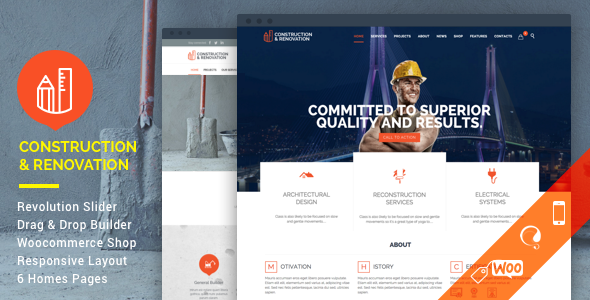
Struct - Construction Elementor Template Kit
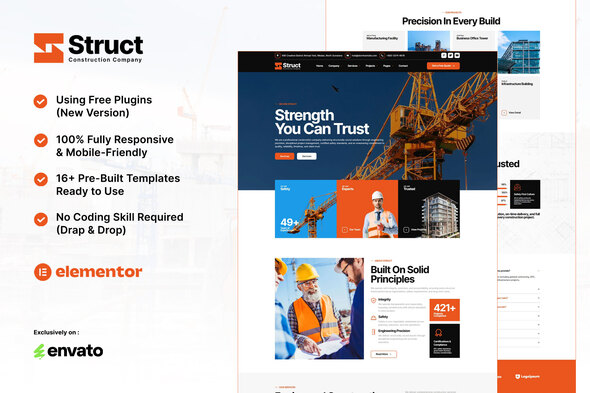
Struct is a modern Construction Template Kit designed for construction and building services, featuring 14 inner pages, a responsive, retina-ready design, and Elementor-based customization that requires no coding.
Key features
- Using Fee Plugins (Elementor Pro is Not Required)
- Modern, Minimalist & Prefessional Design
- 14+ Ready to use Templates
- Full Responsive & Retina-ready
- Easy to Edit & Customize
- Built with Hello Elementor Theme
- Customize fonts and colors in one place (Global Kit Style)
- Bonus: prebuilt header & footer layouts
Templates included
- Home
- About Us
- History
- Service
- Service Detail
- Projects
- Project Detail
- Our Team
- Pricing
- Testimonials
- FAQs
- Blog
- Single Post
- 404 Page
- Contact
- Header
- Footer
- Struct Contact MetForm
- Struct Subscribe MetFom
Addons installed with kit
- Elementor
- ElementsKit Lite
- Jeg Kit for Elementor
- MetForm
Header and page layout setup with Jeg Elementor Kit
If you have Elementor Pro, setup headers and footers in Theme Builder. Pages you create with Elementor must have the Page Layout set to Elementor Full width for the global header and footer to appear.
- Go to Jeg Elementor Kit menu item > Header Template
- Click Add New Header
- Add condition > All Site and click Create
- Click the pencil icon to Edit and Elementor will appear
- Click the gray folder icon to access My Templates tab
- Insert the header template. Customize and Save.
MetForm: Import and use custom forms
How to import MetForm custom forms during page editing:
- While editing a page where a form should appear, open the Elementor navigator to locate the MetForm widget.
- Click Edit Form in the builder panel.
- Select New, leave blank selected then click Edit Form button.
- Click Add Template grey folder button.
- Click My Templates tab.
- Choose your imported MetForm template, then click Insert.
- Once the template is loaded, click Update.
Images and licensing
This Template Kit uses demo images from Envato Elements. You will need to license these images from Envato Elements to use them on your website, or substitute them with your own.
Envato Elements collection: C2URJD6KHT
The information on this website is sourced from the
ThemeForest product page
.